SMS Software to Ask Customers for Reviews: A Guide
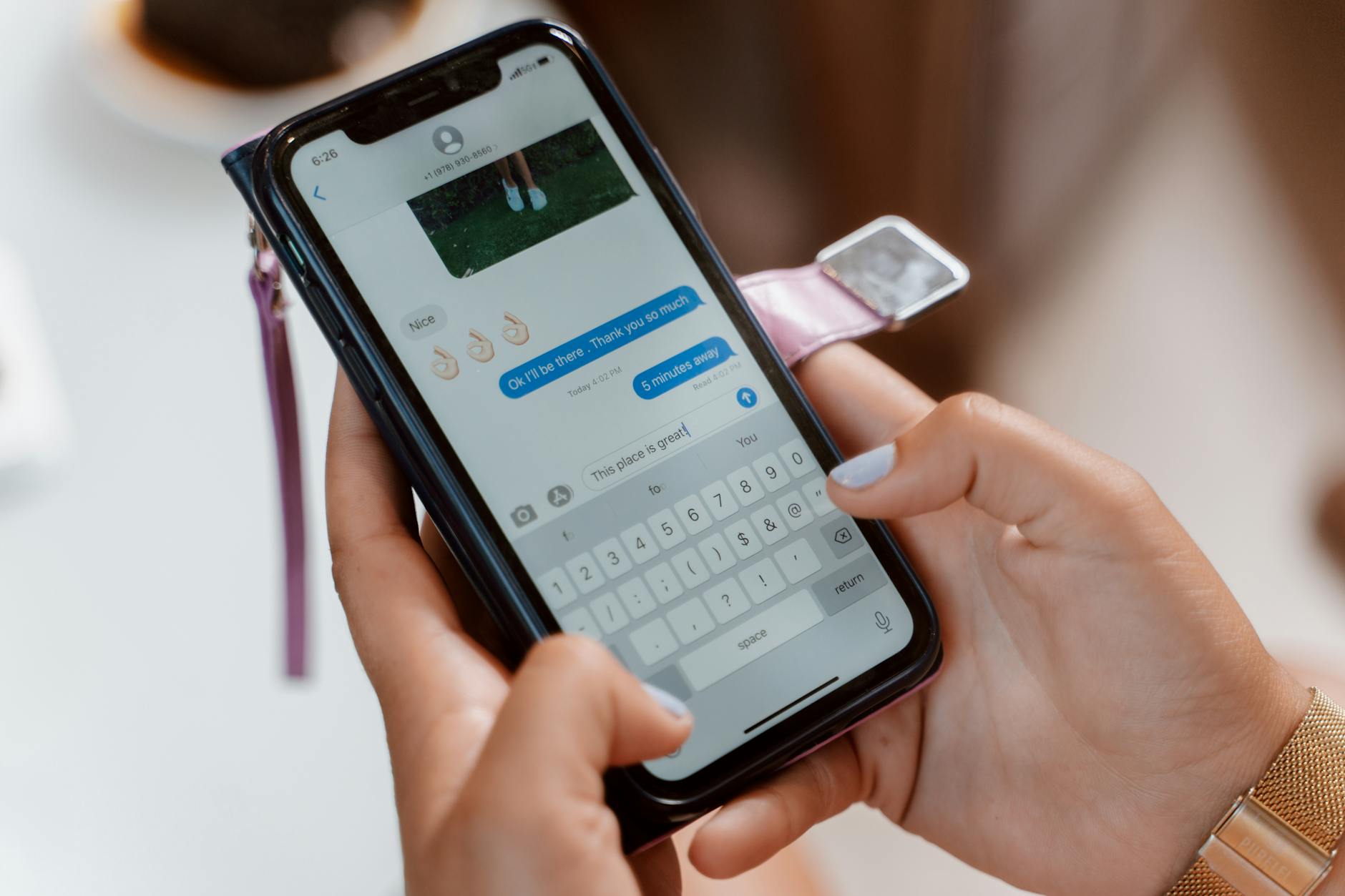


Software that sends SMS text messages to customers asking for reviews automates the process of soliciting feedback via text. These tools integrate with your point-of-sale or customer relationship management (CRM) system to send personalized messages with direct links to review sites like Google, Yelp, or Facebook. This approach is one of the most effective strategies for earning more online reviews because it leverages the high open rates of SMS to significantly increase review volume.
Why Use SMS to Ask for Customer Reviews?
Using SMS to ask for reviews is effective because text messages have a much higher engagement rate than email. According to Gartner, SMS open rates can be as high as 98%, with a response rate of 45%. This stands in stark contrast to typical email marketing, where open rates often hover around 20%.
The convenience for the customer is the primary driver of this success. A text message arrives on a device they carry constantly, and leaving a review is as simple as a single tap on a link. This low-friction experience removes common barriers, making it far more likely that a happy customer will share their feedback.
How Does SMS Review Request Software Work?
This software works by automating the entire review request workflow, triggered by a customer's transaction. Instead of a staff member remembering to manually send a link, the system handles everything seamlessly in the background. A point-of-sale (POS) system is the hardware and software a business uses to conduct sales, while a customer relationship management (CRM) system is software for managing all your company's relationships and interactions with customers.
The typical process follows these steps:
- Customer Interaction: The process begins when a customer makes a purchase or completes a service. This event is logged in your POS system (like Square or Toast) or your CRM (like HubSpot).
- Automation Trigger: The software detects this new transaction. After a predetermined delay, such as a few hours or a day, it automatically triggers a text message to the phone number on file.
- Personalized Message: The customer receives a pre-written, personalized SMS. The message often uses their first name, thanks them for their business, and makes a polite request for feedback.
- Direct Link: The text includes a shortened, direct link. This link takes the customer straight to the review platform you want to build up, like your Google Business Profile or industry-specific sites.
- Review Submission: The customer taps the link, leaves their rating and comments, and submits the review. The entire process takes only a minute or two of their time, with no manual work required from your team.
What Key Features Should You Look For?
Choosing the right software depends on identifying features that align with your business operations and goals. While there are many options available, a few core capabilities are essential for small businesses looking to automate their review generation. For a broader look at different platforms, see our guide on how to choose review software for your small business.
Automation and System Integration
The primary value of this software is automation, so it must integrate smoothly with the systems you already use. Look for native integrations with your POS, CRM, or billing software like QuickBooks or Shopify. A seamless connection means the review request process can be truly "set and forget," requiring no ongoing manual data entry.
Personalization and Templates
Generic, robotic messages get ignored. Effective software allows for personalization beyond just a name, potentially referencing the product purchased or the service professional they interacted with. It should also offer customizable templates so you can match the tone and voice of your brand, making the request feel more genuine and less transactional.
Direct Links and Platform Routing
The software must be able to create simple, direct links to the review platforms that matter most to your business. Some advanced tools can also perform platform routing. A potentially controversial practice known as review gating involves filtering customers based on their initial feedback; happy customers are sent to public review sites, while unhappy customers are directed to a private feedback form. Be aware that this practice violates the terms of service for many major platforms, including Google.
Analytics and Reporting
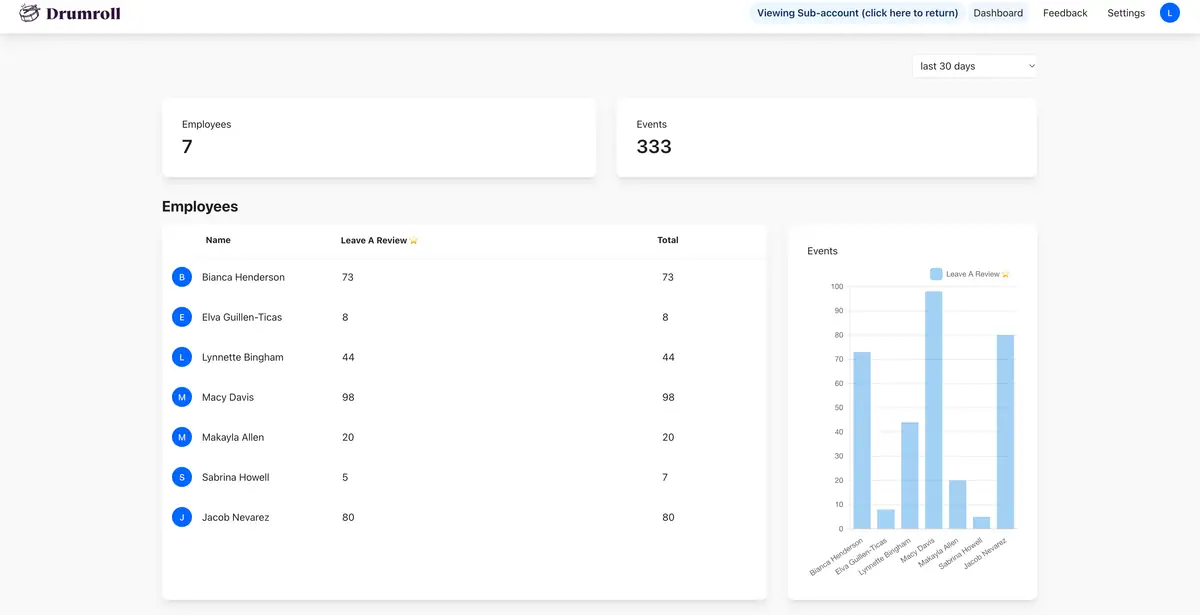
A good tool provides a dashboard with clear analytics to track your performance. You should be able to see key metrics like message delivery rates, open rates, click-through rates, and the total number of reviews generated over time. This data is crucial for measuring the financial impact and ROI of reviews and making adjustments to your strategy.
Compliance and Consent Management
Sending automated marketing texts is regulated by federal law. The Telephone Consumer Protection Act (TCPA) is a federal statute that restricts telemarketing and the use of automated telephone equipment. Reputable software providers build in features to help you manage customer consent and stay compliant. This includes tools for capturing and recording express written consent, which is a legal requirement before sending promotional text messages.
How Much Does SMS Review Software Cost?
Pricing for SMS review software typically follows one of three models, with costs varying based on message volume, number of contacts, or business locations. The best model for your business depends entirely on your customer flow and operational scale.
| Pricing Model | How It Works | Best For |
|---|---|---|
| Per-Message | You pay a small fee for each text message sent, often just a few cents. | Businesses with low or unpredictable customer volume, like a seasonal service. |
| Tiered Subscription | You pay a flat monthly or annual fee for a specific number of contacts or messages. | Businesses with a steady, predictable customer flow, like a coffee shop or salon. |
| Per-Location | You pay a flat monthly or annual fee for each physical business location. | Franchises or multi-location businesses that want consistent pricing across all sites. |
Best Practices for Sending SMS Review Requests
Simply having the software is not enough; how you use it determines your success. Following a few best practices will dramatically increase the likelihood of customers responding positively to your requests.
- Time it right: Send the request shortly after the customer has experienced your product or service. The ideal window is usually between 2 and 24 hours. This ensures the experience is fresh in their mind, but doesn't feel so immediate that it's intrusive.
- Keep it simple: Your message should be short, friendly, and have a single, clear call-to-action. Avoid cluttering it with extra marketing language or multiple links. A simple "Thanks for visiting, [Name]! Would you mind leaving us a review?" works wonders.
- Make it personal: Always use the customer's first name. Personalization makes the message feel like it's coming from a person, not an anonymous marketing bot, which builds trust and encourages a response.
- Get consent first: This is a legal and practical must. Always obtain express written consent from customers before you send them marketing texts. The easiest way to do this is with a simple, unchecked checkbox during the online checkout process or on a physical sign-up form.
- Focus on one platform at a time: Don't ask a customer to review you on Google, Yelp, and Facebook all in the same message. This creates decision fatigue. Instead, direct all your efforts to the single most important review platform for your business until you've built a strong presence there.
Frequently Asked Questions
What's a good conversion rate for SMS review requests?
While it varies by industry, many businesses see a conversion rate, which is the percentage of recipients who leave a review, between 5% and 15% for SMS requests. This is significantly higher than email, which often converts at 1% or less, because of the immediacy and convenience of text.
Is it legal to text customers asking for reviews?
Yes, it is legal provided you have obtained prior express written consent from the customer to contact them via text for this purpose. The Telephone Consumer Protection Act (TCPA) has strict rules, so it is critical to use reputable software that helps you document and manage this consent properly.
Should I text every single customer for a review?
For most small businesses, yes. Automating the request for every customer creates a consistent flow of fresh reviews, which search engines like Google tend to favor in local rankings. It also provides a more accurate, ongoing measure of customer satisfaction rather than a skewed picture from only the most vocal customers.
How soon after a purchase should I send a review request text?
The ideal timing is within 24 hours of the purchase or service completion. This ensures the experience is still fresh in the customer's mind, leading to more detailed and helpful reviews. For a restaurant, 1-2 hours might be best, while for an online order, 24 hours after delivery is more appropriate.
Can I offer an incentive for leaving a review?
You can offer an incentive for the act of leaving a review, but it cannot be conditional on the review being positive. For example, you can offer a 10% discount coupon to anyone who leaves feedback. However, major platforms like Google and Yelp prohibit offering incentives for positive reviews, as this compromises the integrity of their platforms.
Using SMS software is a powerful way to put your review generation on autopilot, ensuring a steady stream of valuable social proof. Once the reviews start coming in, the next step is to engage with them. A proactive approach to managing your online reviews shows both existing and potential customers that you value their feedback.


Join the large list of small businesses using Drumroll!