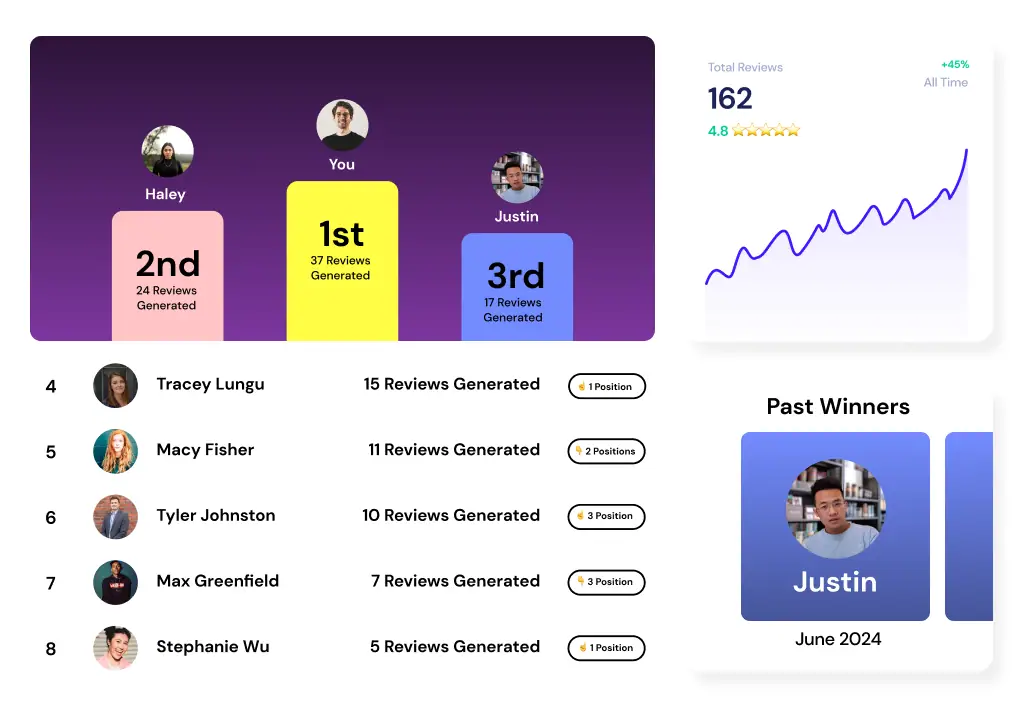
How to Optimize Your Google Business Profile: 7-Step Guide (2026)
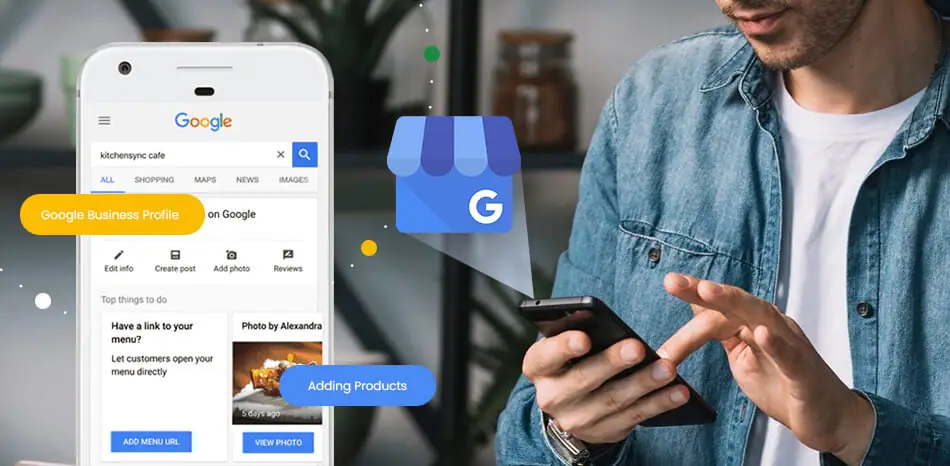


TL;DR: Google Business Profile optimization is the single fastest local SEO move you can make. Fill out every field, pick the right categories, upload real photos, add Q&A, and most importantly: get consistent Google reviews. Most businesses stop after claiming their profile and then wonder why they are invisible.
Google Business Profile optimization is the work of making your free Google listing as complete, accurate, and active as possible so Google shows it when nearby customers search for what you sell. A fully optimized profile can get your business into the local Map Pack, which is the three-business block that shows up at the top of local search results and gets the majority of clicks.
This guide walks you through every meaningful lever, step by step.
Why Optimizing Your Profile Matters
Your Google Business Profile is not just a listing. It is the first thing most customers see before they ever visit your website.
According to BrightLocal’s Local Consumer Review Survey, 98% of consumers used the internet to find information about local businesses. Of those, Google was the most used platform by far. Your profile is often the deciding factor between a customer calling you or calling your competitor.
For the full picture on how local search works, read our local SEO guide for small business owners.
Step 1: Claim and Verify Your Profile
If you have not already, go to Google Business Profile and claim your listing. Google will ask you to verify ownership, usually by postcard, phone, or video. Do not skip this step: an unverified profile cannot be fully edited and may be suppressed in results.
If you have multiple locations, claim each one separately.
Step 2: Pick the Right Categories
Categories are how Google decides what searches you are relevant for. Most businesses pick a primary category and leave it at that. That is a mistake.
- Primary category: This is the most important field on your entire profile. Be specific. “Mexican Restaurant” beats “Restaurant.” “Family Law Attorney” beats “Attorney.” Search what your top competitors use to find the best fit.
- Secondary categories: Add up to 10. Include every major service you actually offer.
Do not stuff categories with things you do not do. Google will demote profiles that seem misleading.
Step 3: Complete Every Field
Google rewards complete profiles. Work through each section:
- Business name: Use your real business name exactly as it appears on your signage. Do not stuff keywords here. Google flags this and it can get your listing suspended.
- Address and service area: If you serve customers at your location, add your address. If you go to customers, switch to a service area. Do not try to do both if you are primarily mobile.
- Phone number: Use a local number when possible.
- Website: Link to your main site, or a specific location page if you have multiple locations.
- Hours: Keep these accurate, including holiday hours. Wrong hours are one of the top complaints customers leave in negative reviews.
- Attributes: These are the checkboxes for things like “women-owned,” “free Wi-Fi,” or “wheelchair accessible.” Fill out every applicable one.
- Business description: You get 750 characters. Write naturally, for the customer reading it, not for the algorithm.
Step 4: Upload Real Photos Consistently
Profiles with photos get significantly more direction requests and website clicks than those without, according to Google. The key word is “real.” Stock photos underperform.
What to upload:
- Exterior shots so customers recognize you when they arrive
- Interior shots
- Team photos with permission
- Before/after photos if relevant to your service
- Product photos
Add photos on an ongoing basis, not just once. Google notices fresh activity and treats it as a signal that you are an active, trustworthy business. Aim to add at least a few photos per month.
Step 5: Get Consistent Google Reviews (Most Important)
Reviews are the single highest-weight factor in local rankings. A business with 50 recent reviews almost always outranks a competitor with 500 older ones, because Google weights recency and consistency heavily.
One study cited by Mara Solutions found a 5-star rating can boost clicks from the Local Pack by 25%. Reviews do two jobs at once: they build trust with the human reading them, and they feed Google fresh, relevant signals about your business.
Here is what to prioritize:
- Ask after every job. The best time to ask is right after a customer has had a great experience. See how to ask customers for Google reviews for exact scripts and timing.
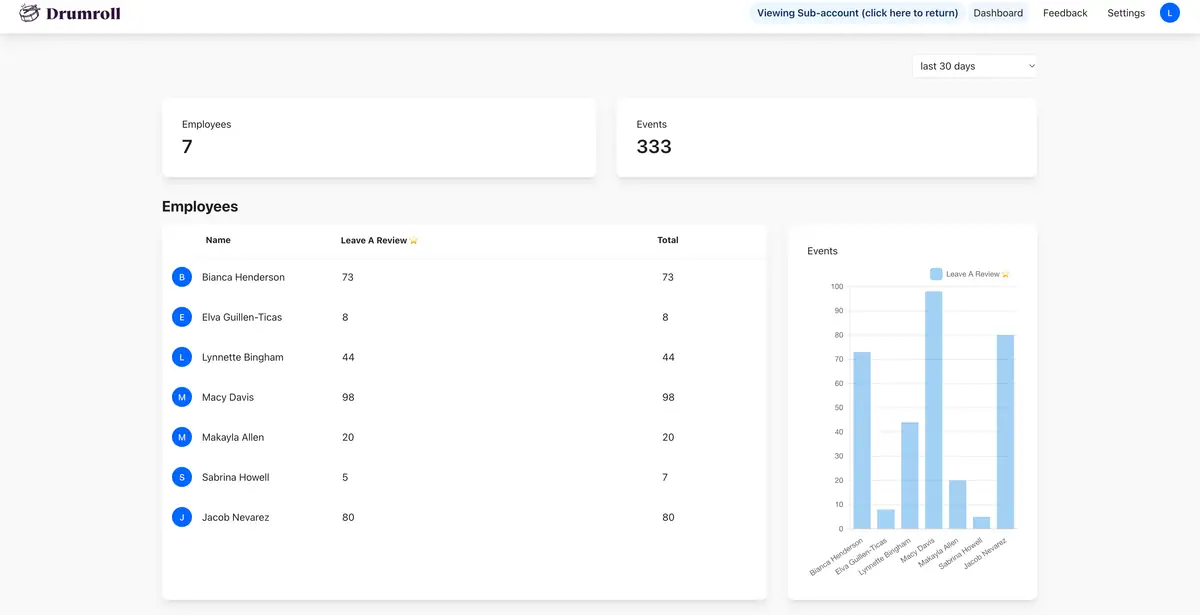
- Make it one tap. Long links buried in an email rarely get clicked. The easier you make it, the more reviews you get. With Drumroll, each team member gets a card that works kinda like Apple Pay: a customer taps it and a review link pops up right there.
- Respond to every review. Good and bad. Responding shows Google you are active and shows future customers you care. See how to respond to Google reviews for 20 copy-paste templates, or how to respond to negative reviews specifically for the tough ones.
Read our guide on getting more Google reviews for the full system. If you want to see what a great review looks like, browse positive review examples by industry.
Step 6: Add Products, Services, and Q&A
Services: Add every service you offer, with a description and price range where applicable. This helps Google match your profile to more relevant searches.
Products: If you sell physical products, add them with photos and prices. This creates a mini-storefront on your profile.
Q&A: This section is underused and it is prime real estate. You can add your own questions and answer them. Think about what every customer asks before booking:
- How much do your services cost?
- What areas do you serve?
- Do you offer free estimates?
- How long does a typical job take?
Answer these before a stranger does. Anyone can post questions and answers in this section, and they do not need your approval.
Step 7: Post Updates Regularly
Google Posts work like mini updates right on your profile. Use them for seasonal promotions, new services, team news, or upcoming closures. Even one post a month signals to Google that your business is active. Posts expire after seven days for events, or stay up until you remove them for offers.
How to Prioritize If You Are Short on Time
If you can only do a few things today, do these:
- Verify your profile is claimed and verified
- Fix your categories if they are wrong
- Set up a system to get reviews consistently (this is where most growth comes from)
- Respond to any reviews you have not responded to yet
Reviews compound week over week. Start there.
Google Business Profile Optimization FAQ
What is Google Business Profile optimization? It is the process of making your free Google listing as complete, accurate, and active as possible so Google shows your business prominently in local search results and the Map Pack.
How long does it take to see results? Basic changes like fixing categories and adding photos can show improvement within a few weeks. Review growth tends to move rankings within one to three months of consistent effort. Local SEO is not overnight, but it is also not years.
Does getting more reviews actually help your Google ranking? Yes. Reviews are one of the top-weighted local ranking factors. The number of reviews, your average star rating, and how recently you received reviews all influence where you show up in the Map Pack.
How many photos should my Google Business Profile have? There is no magic number, but profiles with 10 or more real photos noticeably outperform those with none or one. Add more over time and replace outdated ones.
What is the most important thing to optimize? Getting consistent Google reviews is the highest-leverage action for most businesses. A complete profile with the right categories and fresh photos matters, but reviews directly influence both rankings and click-through rates in the Map Pack.
Ready to make reviews the easiest part of your day? Book a demo and see how Drumroll gets your team generating reviews after every job, with one tap.

Join the large list of small businesses using Drumroll!