HIPAA-Compliant Review Software for Medical Practices



HIPAA-compliant review management software includes platforms that sign a Business Associate Agreement (BAA) and use secure methods to handle patient data. Top options for medical and dental practices often include Podium, Birdeye, and Doctible, which are designed to request reviews without exposing Protected Health Information (PHI).
For medical and dental professionals, managing online reviews is more complex than for other businesses. The Health Insurance Portability and Accountability Act (HIPAA) governs how you handle patient data, and these rules extend to your marketing efforts, including asking for reviews. Using the right software is essential for protecting your practice from costly violations while still growing your reputation.
This guide explains what makes review software HIPAA-compliant, compares leading platforms, and provides clear steps for managing your online reputation safely.
What Makes Review Software HIPAA Compliant?
Software is considered HIPAA-compliant if it implements specific security measures to protect patient data and the provider signs a Business Associate Agreement (BAA) with your practice. A Business Associate Agreement (BAA) is a legal contract that requires the software company to uphold HIPAA's data security standards. Without a signed BAA, you cannot share any patient information with the software vendor, making it impossible to automate review requests.
HIPAA compliance for review software centers on protecting Protected Health Information (PHI). PHI is any information that can be used to identify a patient, including their name, email, phone number, or even the date of their appointment when combined with their identity. Compliant software ensures this data is encrypted, stored securely, and used only for its intended purpose.
Why Does HIPAA Apply to Patient Reviews?
HIPAA applies to patient reviews because the process of asking for one involves using PHI. Simply sending an automated email or text message to "Jane Doe" at "jane.doe@email.com" after her appointment uses her name, contact information, and treatment date. This action makes your review software a "business associate" under HIPAA, as it is a vendor handling PHI on your behalf.
Using non-compliant tools to send these requests is a direct violation, as you are sharing PHI with a vendor who has not legally agreed to protect it. Furthermore, how you respond to reviews is also governed by HIPAA. You cannot confirm someone is a patient or discuss their treatment in a public forum, even if they mention it first.
Key Features of a HIPAA-Compliant Platform
When evaluating software, look for these specific features that are non-negotiable for any medical or dental practice.
- Will Sign a Business Associate Agreement (BAA): The vendor must be willing to sign a BAA with your practice. If they won't, they are not an option.
- Secure, Encrypted Messaging: All communications (email, SMS) sent through the platform must be encrypted to protect patient data in transit.
- Secure Data Storage: The platform must store patient contact information in a secure, encrypted database with strict access controls.
- User Access Controls: The software should allow you to set permission levels for your staff, ensuring only authorized individuals can access patient lists.
- Audit Trails: The system should log user activity, creating a record of who accessed PHI and when. This is crucial for accountability and security audits.
Comparison of HIPAA-Compliant Review Software
| Feature | Podium | Birdeye | Doctible |
|---|---|---|---|
| Signs a BAA? | Yes | Yes | Yes |
| Primary Focus | Communication & Payments | All-in-one Reputation Mgmt | Healthcare Growth |
| Best For | Practices wanting a single inbox for all patient communication. | Multi-location practices needing comprehensive reputation tools. | Dental & medical practices focused on patient acquisition. |
| Integration | Integrates with many EHR/PMS systems. | Extensive EHR/PMS integrations. | Deep integrations with dental and medical software. |
| Unique Feature | Webchat and text-to-pay functionality. | Advanced sentiment analysis and competitive benchmarking. | Patient recall and appointment reminders. |
How Do I Choose and Implement Compliant Software?
Choosing and implementing a HIPAA-compliant review platform involves a clear, multi-step process to ensure you meet legal requirements.
- Shortlist Vendors: Identify 2-3 platforms that explicitly state they are HIPAA-compliant and serve the healthcare industry.
- Request a BAA: Before signing any contract, ask for a copy of their standard BAA. Have your legal counsel review the agreement if necessary.
- Verify Security Features: Ask the sales representative to demonstrate the platform's security features, such as user permissions and data encryption methods.
- Plan Your Integration: Discuss how the software will connect with your existing Electronic Health Record (EHR) or Practice Management Software (PMS). A secure integration is key to automating review requests safely.
- Train Your Staff: Once implemented, train your team on how to use the software and, more importantly, how to respond to reviews in a HIPAA-compliant manner.
How to Respond to Reviews Without Violating HIPAA
You can and should respond to all reviews, but your responses must be generic to avoid confirming patient status or revealing PHI. Never acknowledge that the reviewer is a patient or mention any aspect of their treatment, condition, or visit.
For positive reviews, a simple thank you is sufficient: "We appreciate you sharing your experience."
For negative reviews, offer to take the conversation offline: "Our practice is committed to patient satisfaction. Please contact our office manager directly at [phone number] to discuss your concerns." This approach shows you are responsive without violating privacy laws.
Frequently Asked Questions
What is a Business Associate Agreement (BAA)?
A Business Associate Agreement (BAA) is a written contract between a healthcare provider and a vendor (the "business associate"). The BAA requires the vendor to properly safeguard any Protected Health Information (PHI) it receives or creates on behalf of the provider.
Can I use my standard email to ask for patient reviews?
Using a standard, non-encrypted email service like Gmail or Outlook to send automated review requests containing PHI is not HIPAA-compliant. To be compliant, you must use a secure email vendor that will sign a BAA with your practice.
Is it a HIPAA violation to mention a patient's name in a review response?
Yes, it is a HIPAA violation. Acknowledging a reviewer by name in your response confirms they were a patient at your practice, which is a breach of their privacy. Always keep responses general and anonymous.
Do I need a patient's consent to ask for a review?
While you don't need separate, explicit consent just to ask for a review, you can only use their contact information for this purpose if your Notice of Privacy Practices covers marketing communications. The request itself must be sent via a HIPAA-compliant platform.
Can my EHR software integrate with a review management tool?
Yes, many modern EHR and Practice Management Software (PMS) platforms offer integrations with leading review management software. This allows for secure, automated review requests to be triggered after a patient's appointment, minimizing manual work and data handling risks.
Choosing a HIPAA-compliant review management software is a critical business decision for any medical or dental practice. By prioritizing vendors that sign a BAA and offer robust security features, you can effectively grow your online reputation without risking patient privacy or facing steep legal penalties. This strategic investment protects your practice and builds trust with your community.
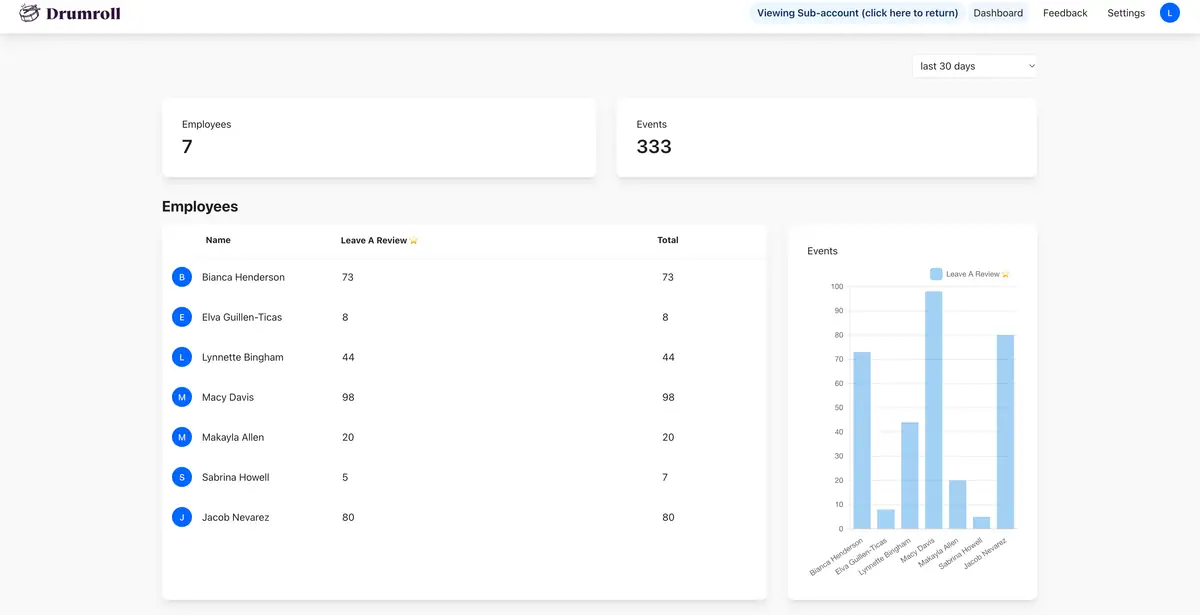
Ready to manage your practice's reputation? Drumroll helps small businesses get more reviews and referrals from their best customers.



Join the large list of small businesses using Drumroll!